Files Types Aren't Everything
When working with graphics, don't assume the file type alone indicates if content is vector or raster. It's possible to have both vector and raster data mixed within the same file.
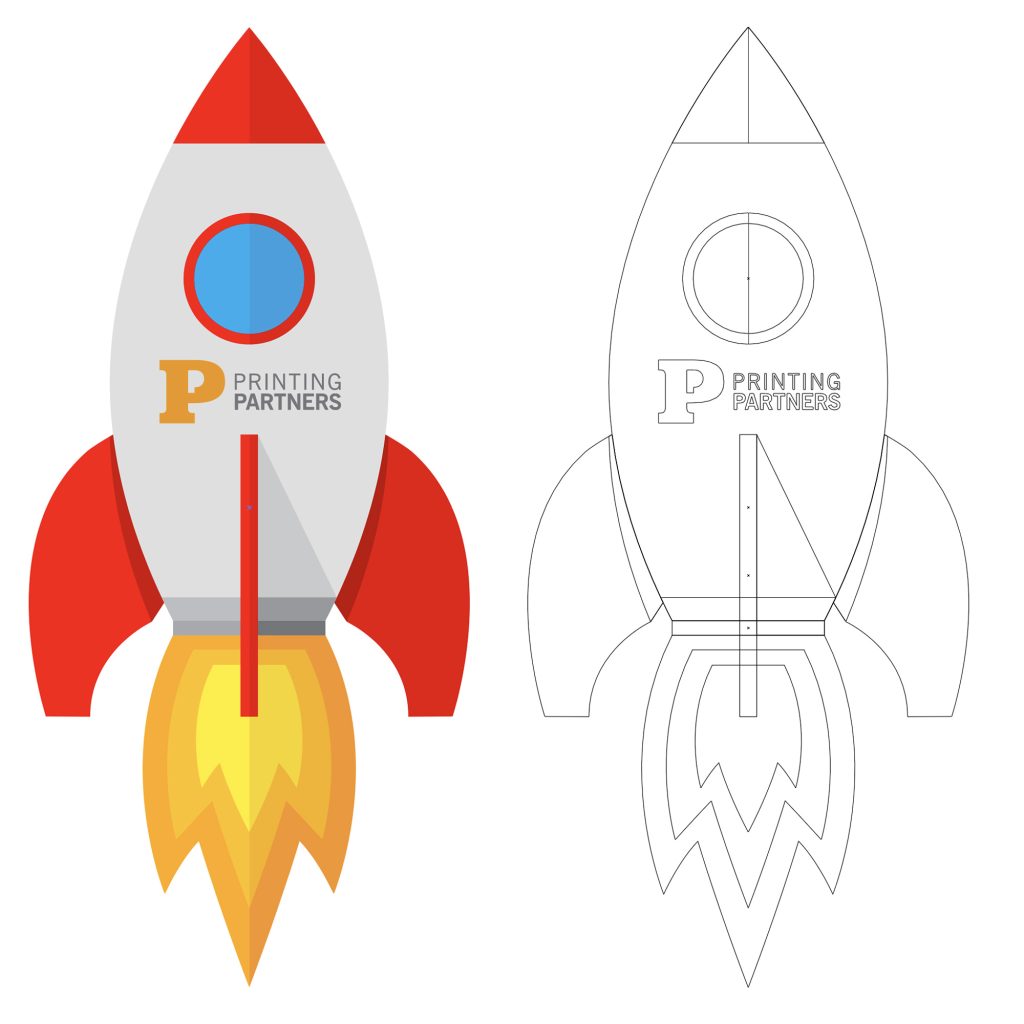
For example, you can place a raster image like a JPEG or PNG in an Illustrator .ai file. The native Illustrator objects will remain vector, but the embedded raster image will not. Viewing the outlines in Illustrator can help identify this - vector content will show defined lines and curves, while raster images will appear as blank boxes in the outlines.
Likewise, you can have vector content in Photoshop. Vector smart objects or shape layers retain their mathematical formulas. When exporting these Photoshop files as PDFs or SVGs, the vector information is preserved. The native Photoshop pixel layers will get rasterized, but vector layers stay editable.
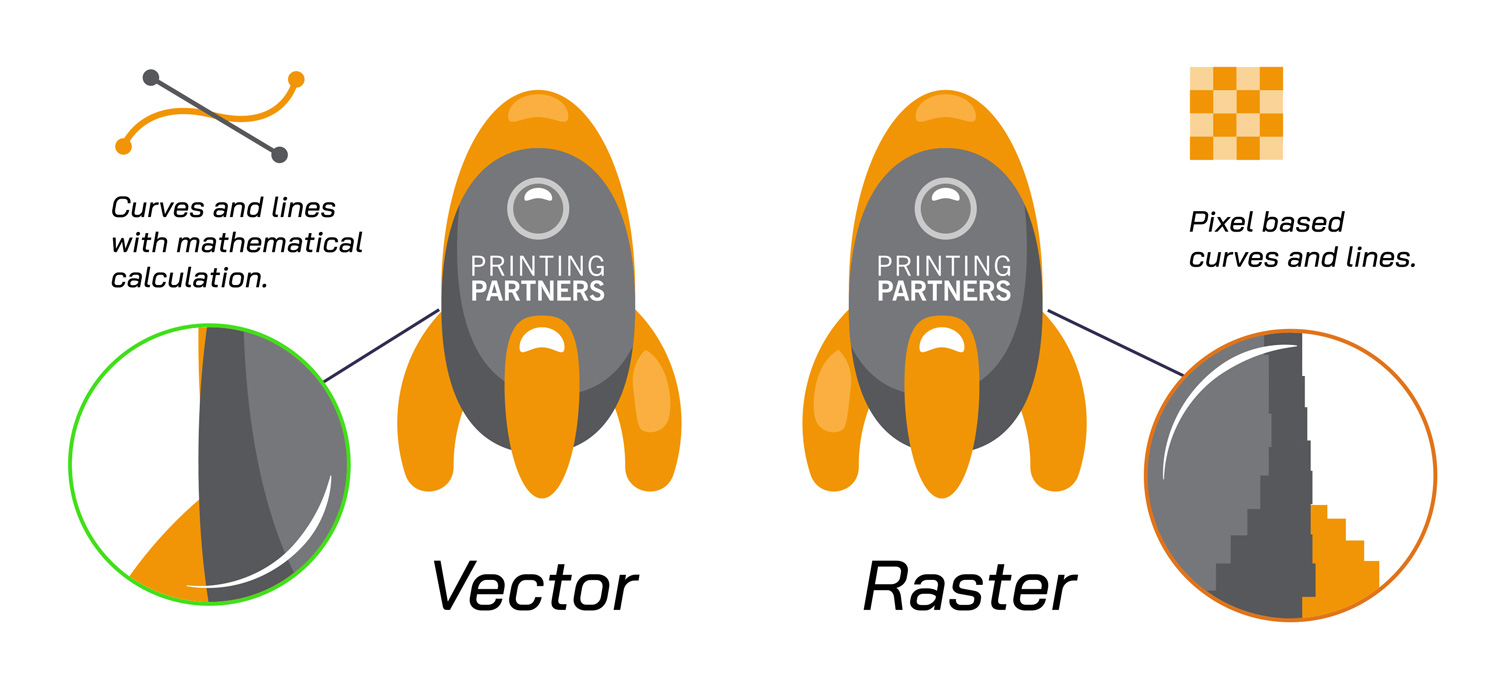
The key is understanding that vector vs raster depends on the actual graphic data, not just the file type. Checking outlines in Illustrator and exporting SVGs from Photoshop are handy ways to inspect the vector vs raster make-up within a mixed file.